Certified Class A ISP with NLD License—Committed to Superior Network Services.

Email

contact@dataexpress.co.in

Phone

02265510000

Great place to work
Edit Content

About Us

DataExpress was incorporated in 2017 as a Class ‘A’ Telecom ISP (Internet Service Provider) based out of Navi Mumbai, Maharashtra, India.

Edit Content

About Us

DataExpress was incorporated in 2017 as a Class ‘A’ Telecom ISP (Internet Service Provider) based out of Navi Mumbai, Maharashtra, India.

HomeTop 5 Chrome Extensions for Checking Internet SpeedBlogTop 5 Chrome Extensions for Checking Internet Speed

Top 5 Chrome Extensions for Checking Internet Speed

Top 5 Chrome Extensions for Checking Internet Speed

Top 5 Chrome Extensions for Checking Internet Speed

A fast and reliable internet connection is essential for everyday activities, from attending online meetings and streaming videos to transferring files and managing business operations. However, even with a high-speed broadband plan, you may occasionally experience slow loading, buffering, or interrupted video calls. Understanding your internet speed can help you identify potential issues and determine whether your connection is performing as expected.

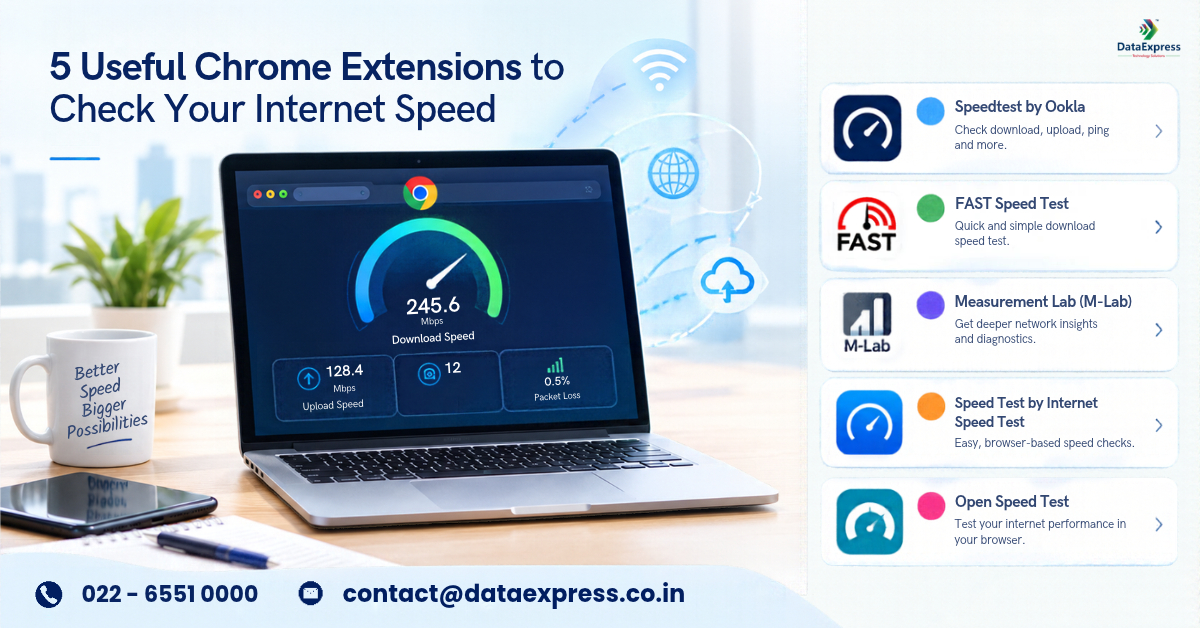
Google Chrome offers several extensions that make checking internet speed quick and convenient. Instead of opening a separate website every time you experience connectivity issues, you can use a browser extension to measure download speed, upload speed, latency, and other important network performance indicators.

In this blog, DataExpress Pvt Ltd explores five useful Chrome extensions for checking internet speed and explains how they can help you monitor your connection more effectively.


1. Speedtest by Ookla

Speedtest by Ookla is one of the most widely recognised tools for measuring internet performance. Its Chrome extension provides a convenient way to access speed-testing functionality directly from your browser.

Key features:

Why choose it?

This extension is useful for home users, professionals, and businesses that want to check their connection before important video calls, online presentations, or large file transfers. Regular testing can also help you compare performance at different times of the day.

Best for: Users who want a familiar, comprehensive internet speed-testing experience.

2. FAST Speed Test

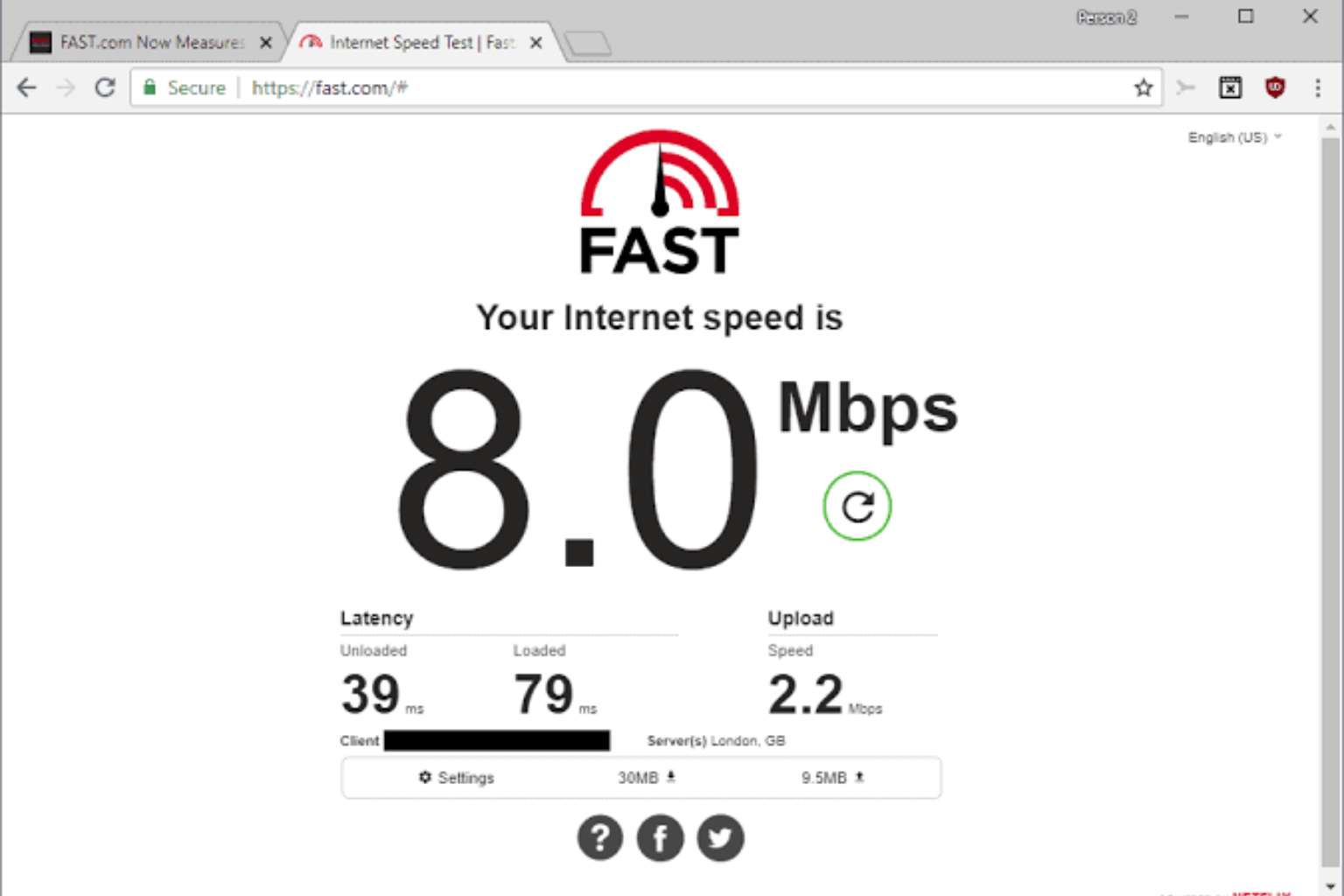
FAST.com, developed by Netflix, is known for its simple approach to internet speed testing. Its primary focus is download speed, making it particularly useful for users who want a quick indication of how their connection performs when accessing online content.

fast speed

Key features:

Why choose it?

If you frequently watch online videos, attend webinars, or stream content during breaks, FAST.com can help you identify whether slow download speeds may be contributing to buffering. You can also visit the FAST.com website directly in Chrome; a dedicated extension is not required to use the service.

Best for: Users who want a quick and straightforward download-speed check.

3. Internet Speed Test by Measurement Lab (M-Lab)

Measurement Lab (M-Lab) provides an internet performance testing service designed to help users understand their connection quality. Its Network Diagnostic Tool, commonly known as NDT, measures network performance and can help identify whether your connection is delivering the expected speeds.

Key features:

Why choose it?

M-Lab is particularly useful for users who want more than a quick speed reading. Its testing approach can help you understand your connection’s performance and provide useful information when discussing network issues with your internet service provider.

Best for: Users interested in network diagnostics and performance analysis.

Note: M-Lab’s testing service is available through its website; check the Chrome Web Store for any currently available compatible extensions.

4. Speed Test by Internet Speed Test

Browser-based speed-testing extensions can offer a convenient way to check connectivity without interrupting your workflow. Depending on the provider, these tools may display download speed, upload speed, ping, and other useful performance indicators.

Key features:

Why choose it?

A lightweight speed-testing extension can be helpful when you frequently switch between websites, online meetings, and cloud applications. Before installing, verify the developer, permissions, recent reviews, and update history in the Chrome Web Store, as features and availability vary between extensions.

Best for: Users looking for convenient, browser-based connectivity checks

5. Open Speed Test

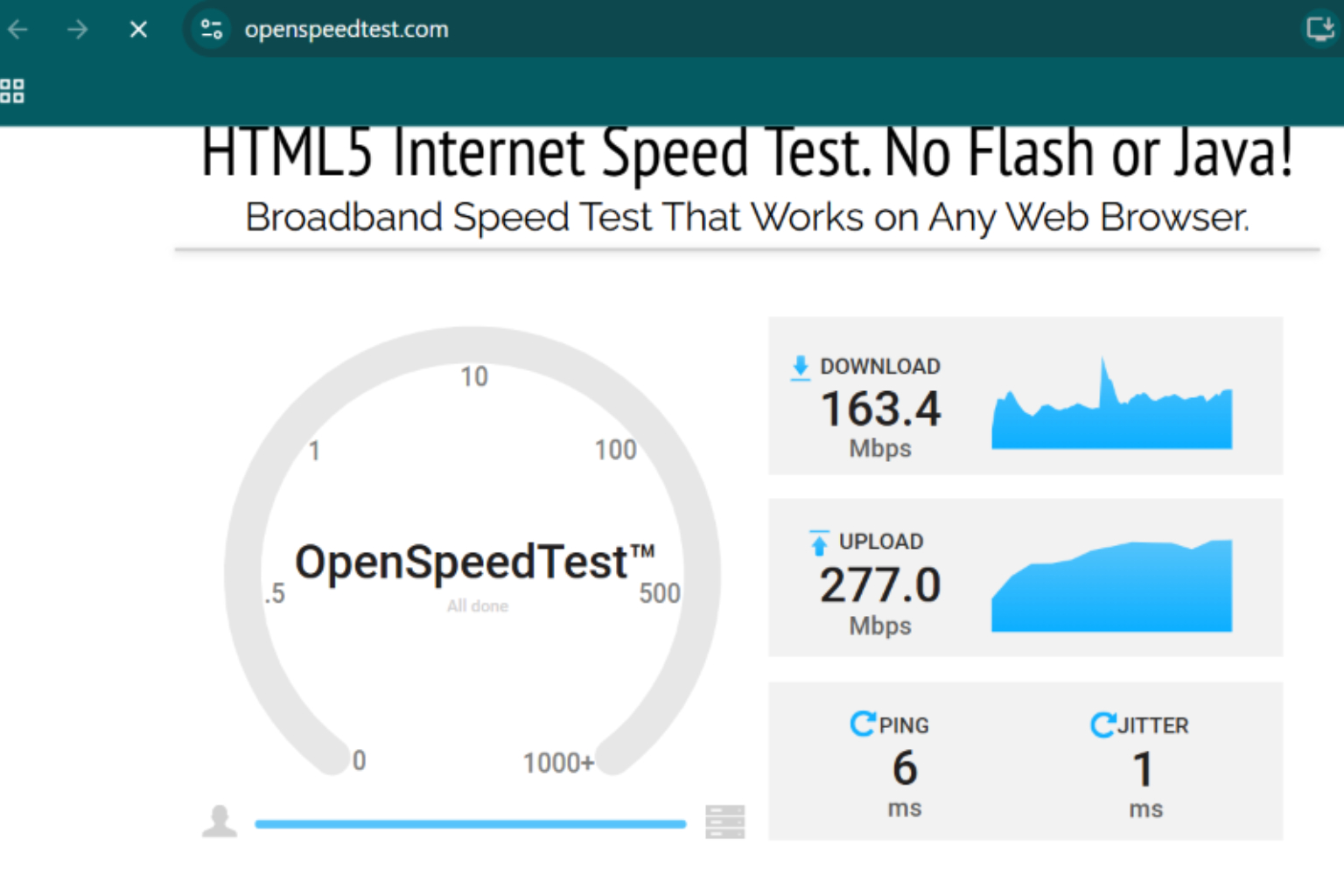
Open Speed Test is a browser-based internet speed-testing solution that helps users evaluate their network performance without installing a traditional desktop application. It can be useful for checking whether a connection is suitable for common online activities.

Key features:
openspeed
Why choose it?

OpenSpeedTest is worth considering if you prefer a browser-based tool and want to perform quick checks while working online. As with other speed-testing services, results can vary depending on the test server, network congestion, Wi-Fi signal strength, and other factors.

Best for: Users who prefer simple browser-based internet performance testing.

Tips for Getting Accurate Internet Speed Test Results

Whichever tool you choose, follow these practices for more reliable results:

Choosing the right Chrome extension or browser-based tool makes monitoring internet performance easier. Speedtest by Ookla, FAST.com, Measurement Lab, and OpenSpeedTest are useful options for different testing needs, while other compatible extensions can offer additional convenience. Always verify extension availability before installing, and use reputable services to protect your browsing privacy.

For businesses, reliable internet connectivity is essential for productivity, cloud applications, video conferencing, and uninterrupted communication. DataExpress Pvt Ltd provides business connectivity solutions designed to support modern digital operations. If your organisation is looking for dependable internet connectivity, enterprise internet solutions, or assistance in meeting its bandwidth requirements, contact DataExpress Pvt Ltd at 022 6551 0000 or email contact@dataexpress.co.in to discuss your business connectivity needs and find the right solution for your organisation.

Leave a Reply

Your email address will not be published. Required fields are marked *